Turn your raw videos into viral shorts
Create your shortTry for free

How it works
From raw footage to viral short in 4 steps.
Upload once. Submagic does the editing, you keep the final say.
Pick a template, or bring your own
Choose from proven viral styles, or upload a video you like and Submagic uses it as the model.
Upload your raw video
Vertical or horizontal, in any language. Podcasts, interviews, phone footage: every format works.
 Submagic0 of 4 uploaded
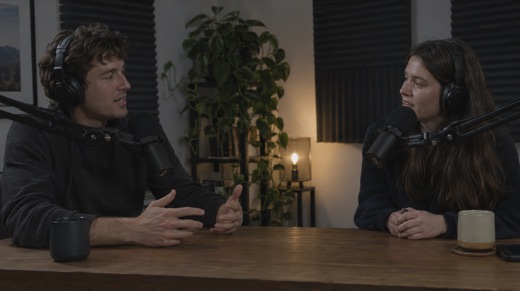
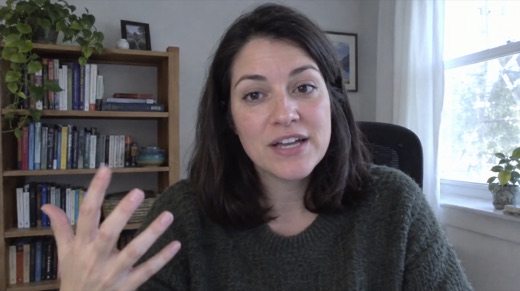
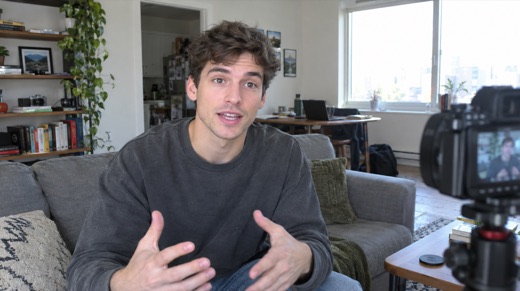
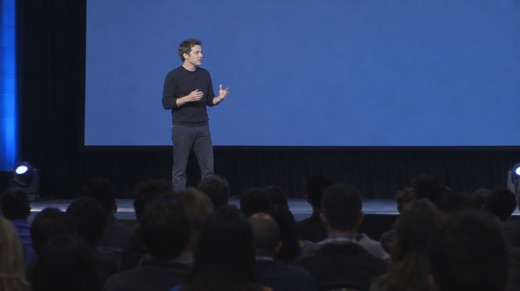
AI adds captions, cuts and B-roll
Captions, cuts, B-roll, zooms, motion graphics and music are added automatically. Your short is ready in minutes.
Adjust every element
Need a tweak? Open the editor and change any element by hand from the control panel: style, captions, music.
 Paprika
 Velvet
 Cinnabar
 Matinee
FEATURES
The new way to edit videos. Edit faster than ever before.
Submagic removes the slow, manual parts of editing so you can publish more, faster, without sacrificing quality.
Captions styles that keep people watching
Generate viral caption styles in 118 languages with 99% accuracy, designed to boost views and improve retention.

Turn one video into multiple shorts instantly
Automatically repurpose videos into shorts with Magic clips. Extract key moments, cuts clips, and post content at scale.

Edit any video instantly with AI
Edit videos in one click. Cut, trim, and publish shorts content 10x faster without spending hours in editing.

Schedule posts and publish video across channels
Pick a date, choose platforms, and publish directly from the editor. Submagic automatically publishes on schedule.

Create shorts without filming with AI avatars
Use AI avatars to create videos without filming or hiring actors. Publish consistent content faster and cheaper.

Stay on brand and collaborate in one workspace
Collaborate with your team in one place. Review, edit, and publish videos faster while staying fully on brand.

USE CASES
Grow your business with high-performing short-form content.
Whether you’re creating alone or with a team, Submagic removes the editing bottleneck so you can focus on growth.
Testimonials
Loved by 4M+ creators
FAQ
Do you have any questions?
How do I create short with Submagic?
Pick a template, or upload a video whose style you like, then drop in your raw footage. Submagic’s AI agents watch it, keep the best moments and add captions, cuts, B-roll, zooms and music in that style. Your short is ready in minutes, and you can still adjust any element in the editor before you export or publish it.
Can I turn a long video into multiple shorts?
Yes. Upload a podcast, interview, webinar or any long video and Submagic finds its strongest moments, gives each one a hook and turns them into several vertical shorts. Every clip is captioned and reframed on the speaker, so one recording becomes a week of ready-to-post content.
Does Submagic add captions automatically?
Yes. Captions are generated automatically in multiple languages with 99% accuracy and timed word by word to your voice. Choose from dozens of animated styles, highlight key words with color and emojis, and fix any word in a click if you need to.
What makes editing faster than traditional timelines?
There is no timeline to learn. The AI makes the first edit for you, and you refine it by editing the transcript: delete a sentence to cut it, or remove silences and filler words in one click. For everything else, the editor’s control panel lets you change caption style, zooms, B-roll and music by hand.
Does Submagic support team collaboration?
Yes. Invite your team into a shared workspace where everyone can upload, edit, review and export videos together. Shared templates keep every short consistent with your brand, whoever on the team makes it.
What quality levels are available for export?
Export in up to 4K at 60fps, so your videos stay sharp on every platform. Shorts come out ready for TikTok, Instagram Reels and YouTube Shorts, and you can publish or schedule them to your accounts directly from Submagic.

Get Started
Start creating shorts that get more views, faster.
Get Started NowTry for free- 10× faster editing speed
- +40% average views increase
- 80% reduction in editing cost
