




Submagic is the best AI tool to create captivating short-form videos in seconds for teams and businesses.



The new way to edit videos faster. From raw footage to viral shorts in 1 click.


Join 4M+ businesses that save 10+ hours every week


FEATURES
Submagic removes the slow, manual parts of editing so you can publish more, faster, without sacrificing quality.

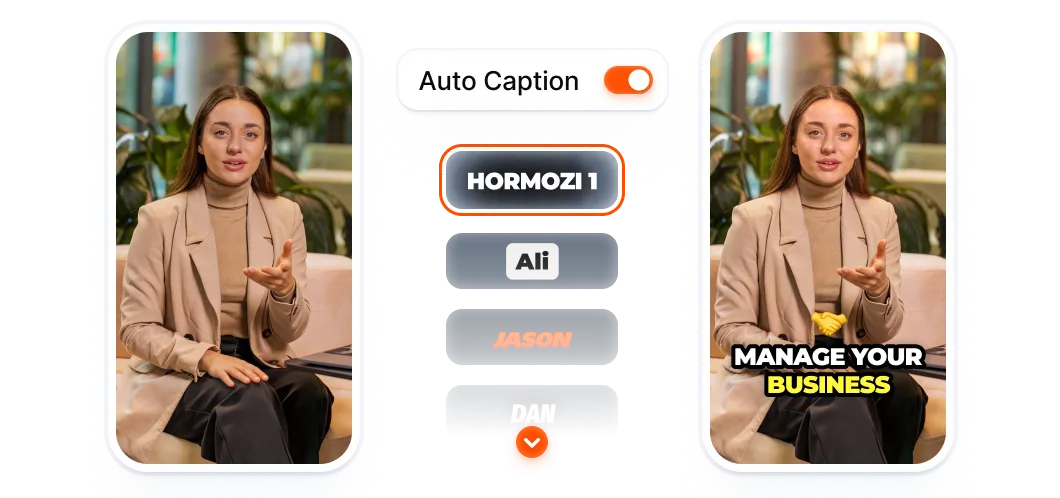
Generate viral caption styles in 48 languages with 99% accuracy, designed to boost views and improve retention.

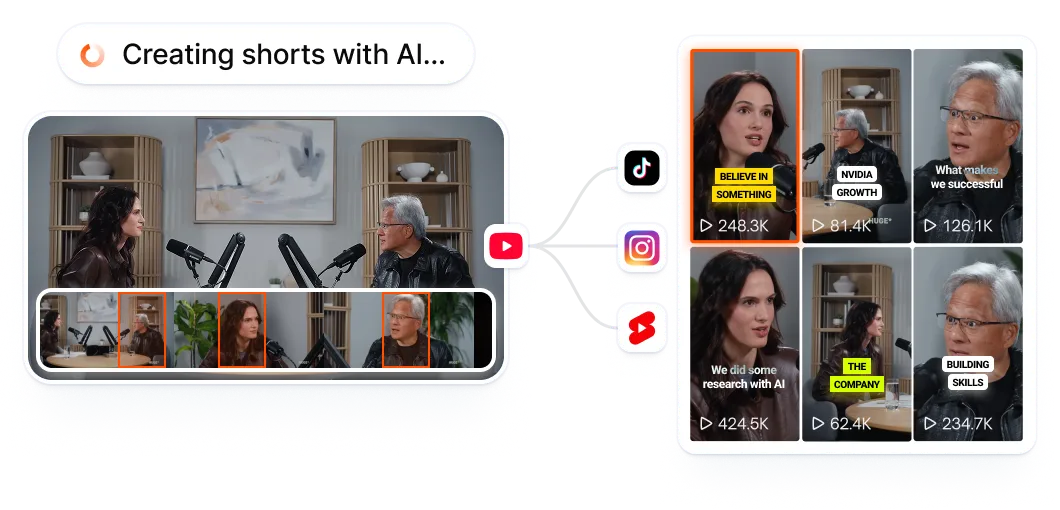
Automatically repurpose videos into shorts with Magic clips. Extract key moments, cuts clips, and post content at scale.
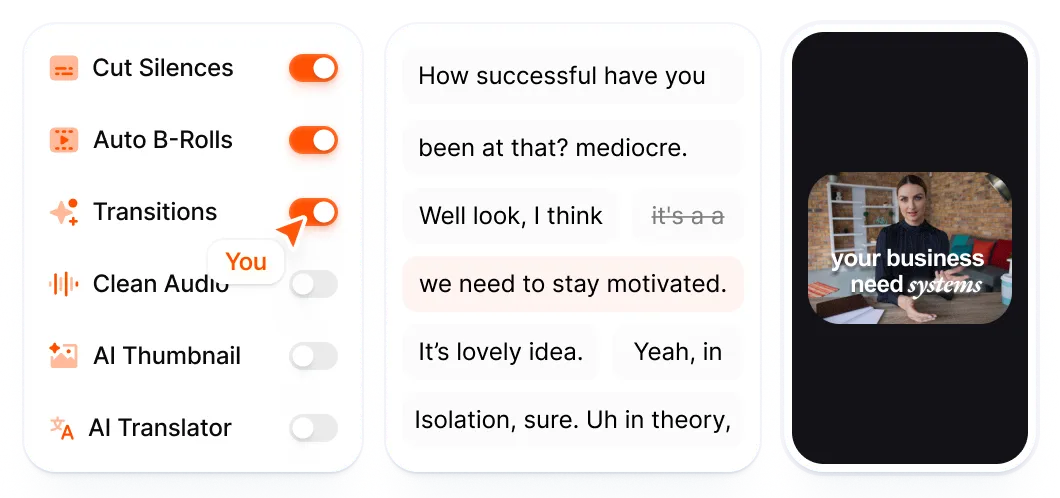
Edit videos in one click. Cut, trim, and publish shorts content 10x faster without spending hours in editing.
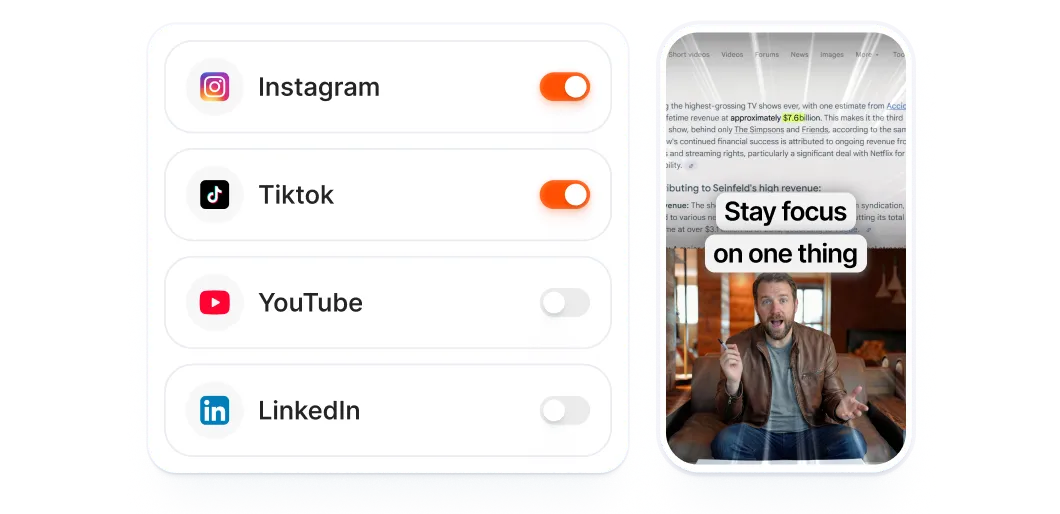
Pick a date, choose platforms, and publish directly from the editor. Submagic automatically publishes on schedule.
Use AI avatars to create videos without filming or hiring actors. Publish consistent content faster and cheaper.

Collaborate with your team in one place. Review, edit, and publish videos faster while staying fully on brand.
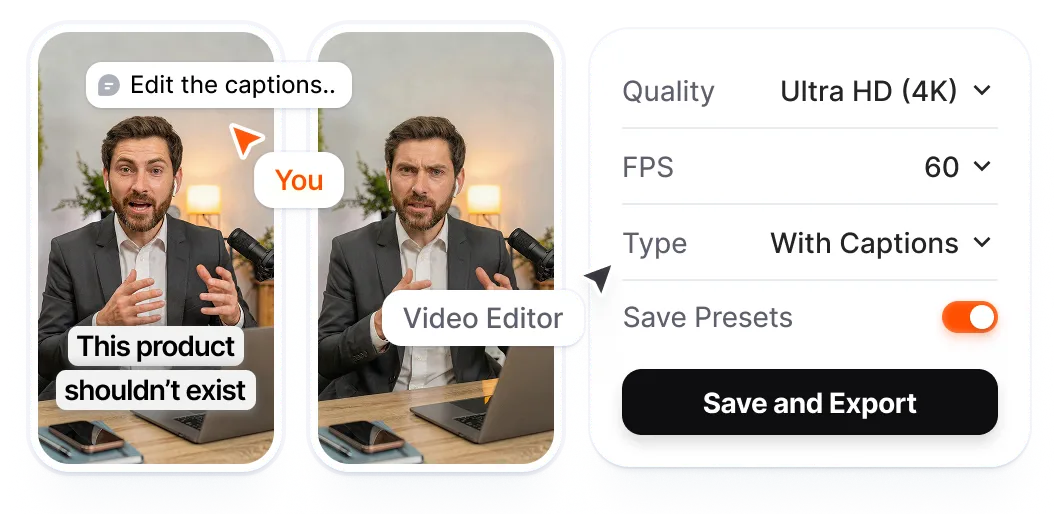
How it works

Drop any video or link. Podcasts, YouTube videos, or phone footage. All formats work.
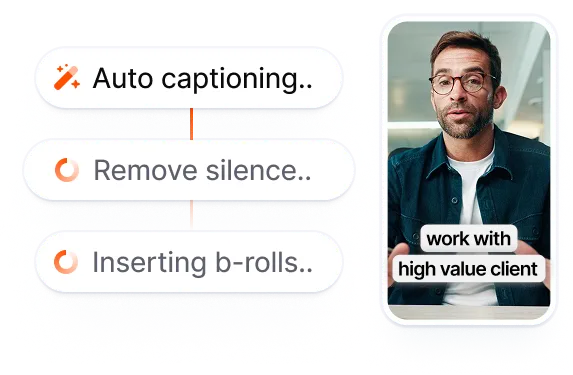
Submagic adds captions, removes silences, inserts B-roll, and finds key moments automatically.
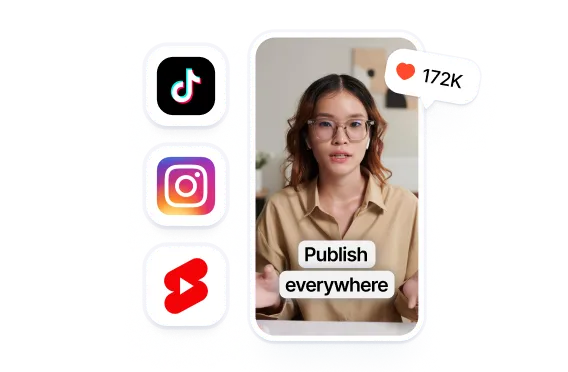
Submagic publishes on schedule. Optimized for TikTok, Reels, Shorts and more, up to 4K, 60fps.
USE CASES
Whether you’re creating alone or with a team, Submagic removes the editing bottleneck so you can focus on growth.
Testimonials



I've used it for months now and has hands down been the best and easiest tool for captions. I've even had employees successfully use it with language they don't speak.
.webp)

Submagic saves a lot of time to me and my team, it's impossible to have a bad outcome of a video.


It saves me a lot of time creating captions and editing reels for my Instagram.
.webp)

I use it on all my short videos and it saves me an average of 30 minutes per video. So imagine the time I save by posting 5 videos a week!

FAQ

Upload your video, and Submagic’s AI automatically detects highlights, adds captions, and formats the clip for short-form platforms. You can edit the result like text and export in minutes.
Upload a long-form video such as a podcast or interview. Submagic finds key moments and turns one video into multiple ready-to-post shorts automatically.
Submagic generates captions automatically in multiple languages and applies modern, readable styles optimized for short-form viewing with 99% accuracy.
Submagic replaces traditional timelines with text-based editing. You can cut, trim, and remove silences by editing the transcript instead of scrubbing through footage.
Invite your team into a shared workspace where everyone can upload, edit, review, and export videos together in real time.
Submagic supports high-quality exports up to 4K resolution and 60fps, ensuring your videos look sharp on every platform.
Get Started


Submagic is the best AI tool to create captivating short-form videos in seconds for teams and businesses.